
Gothic Font Generator
Transform your text into ancient blackletter and medieval gothic styles instantly.
Start typing above to see font styles · ♥ to save favourites
Gothic Font Styles
Unicode gothic and blackletter variants — copy and paste anywhere.
♥ Favourites
𝔊𝔬𝔱𝔥𝔦𝔠
𝕲𝖔𝖙𝖍𝖎𝖈
𝔊𝔬𝔱𝔥𝔦𝔠
𝕲𝖔𝖙𝖍𝖎𝖈
𝐆𝐨𝐭𝐡𝐢𝐜
✝ 𝔊𝔬𝔱𝔥𝔦𝔠 ✝
☽ 𝗚𝗼𝘁𝗵𝗶𝗰 ☾
𝒢ℴ𝓉𝒽𝒾𝒸
♛ 𝕲𝖔𝖙𝖍𝖎𝖈 ♚
𝕲𝘰𝖙𝘩𝖎𝘤
❧ 𝔊𝔬𝔱𝔥𝔦𝔠 ❧
𝔾𝕠𝕥𝕙𝕚𝕔
◇ Ⓖⓞⓣⓗⓘⓒ ◇
▓ Gothic ▓
𝗚̸𝗼̸𝘁̸𝗵̸𝗶̸𝗰̸
𝘎𝘰𝘵𝘩𝘪𝘤
☩ 𝔊𝔬𝔱𝔥𝔦𝔠 ☩
⚔ 𝔾𝐨𝕥𝐡𝕚𝐜 ⚔
👑 𝗚𝘰𝘁𝘩𝗶𝘤 👑
☠ 𝕲ⓞ𝖙ⓗ𝖎ⓒ ☠
❖ 𝒢𝖔𝓉𝖍𝒾𝖈 ❖
🕷 𝔾ⓞ𝕥ⓗ𝕚ⓒ 🕸
✠ G𝐨t𝐡i𝐜 ✠
⚜ Ⓖℴⓣ𝒽ⓘ𝒸 ⚜
❦ 𝒢𝘰𝓉𝘩𝒾𝘤 ❦
✤ 𝔾𝘰𝕥𝘩𝕚𝘤 ✤
How to Use Gothic Font on Social Media, Games, and More
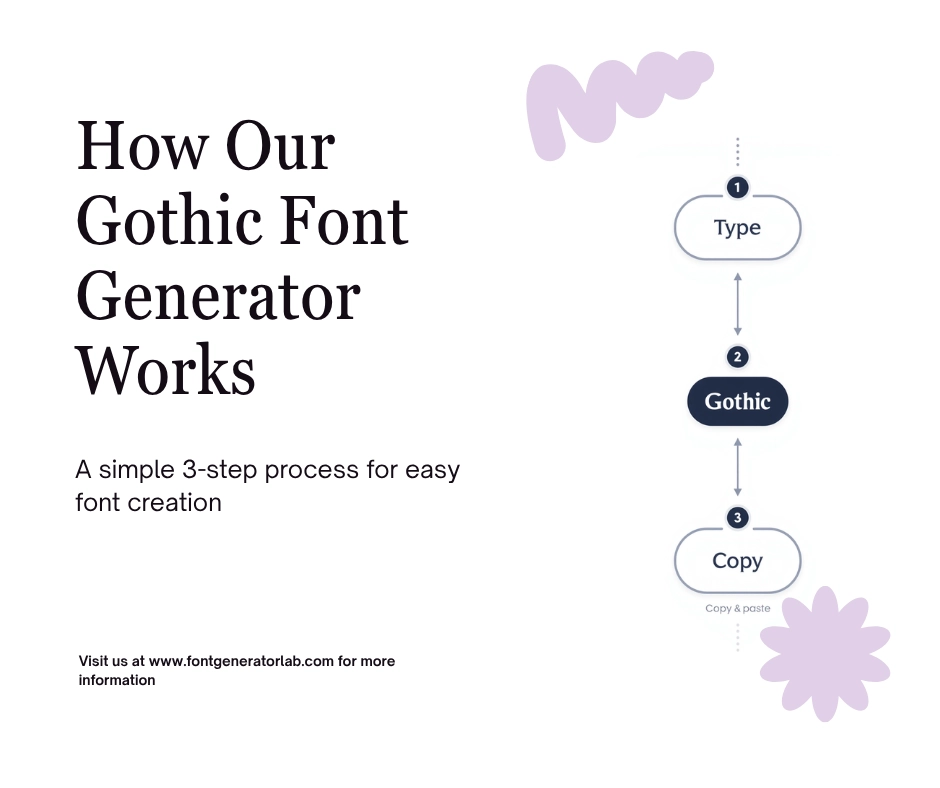
Creators who spend time on Roblox and Fortnite often want their names or chat to stand out, and that is where a Gothic text generator earns its keep. The routine stays short: type a phrase into the Input field, watch the Gothic letters appear in the Output box, then grab the result with the Copy button, right clicking, or plain CTRL+C.
From there it works on mobile, on iPhones, on Androids, and inside any desktop browser, since the converted text is just Unicode riding on the system clipboard. That single copy and paste habit covers platforms as different as a social media channel, online games, and ordinary text messages.
What is Gothic Text?
A Gothic text converter is not rendering a new font on any computer; it swaps ordinary letters for unique character codes that already sit inside the Unicode standard, so what looks like Gothic text to human eyes is still plain Unicode characters underneath. That trick is what lets a single tool offer Bold Gothic, Bold Text, Cursed, Cursive, Italics, Small Caps Text, Small Text, Bubble Text, Backwards Text, and Upside Down Text side by side, all built from the same pool of obscure characters.
The idea itself reaches back to medieval times, though the Input here is just a normal sentence and the Output is a styled copy ready for usernames, profiles, posts, and messages.
Where Can You Post Gothic Text?
Styled letters travel well across TikTok, Instagram, Facebook, Twitter, YouTube, SnapChat, and WhatsApp. People drop them into Instagram captions, Instagram bio text, a profile name, comments, Discord chats, and even emails, swapping out normal text for something with more presence. The same swap works for social media profile names everywhere, not just one app.
Gothic Font Generator
This Gothic Font Generator was built around one habit: Type once and let the tool transform ordinary words into something with a historical look. The output leans on ornate letterforms and authentic blackletter shapes borrowed from medieval-style calligraphy, giving anyone who wants to Step back in time a quick way to do it without leaving plain text behind for good.
It suits fantasy logos, gaming designs, and any stylish gothic fonts project where bold visuals matter, and every option lets users instantly preview the result before committing, all through one free tool.
Use Cases That Match Real Projects
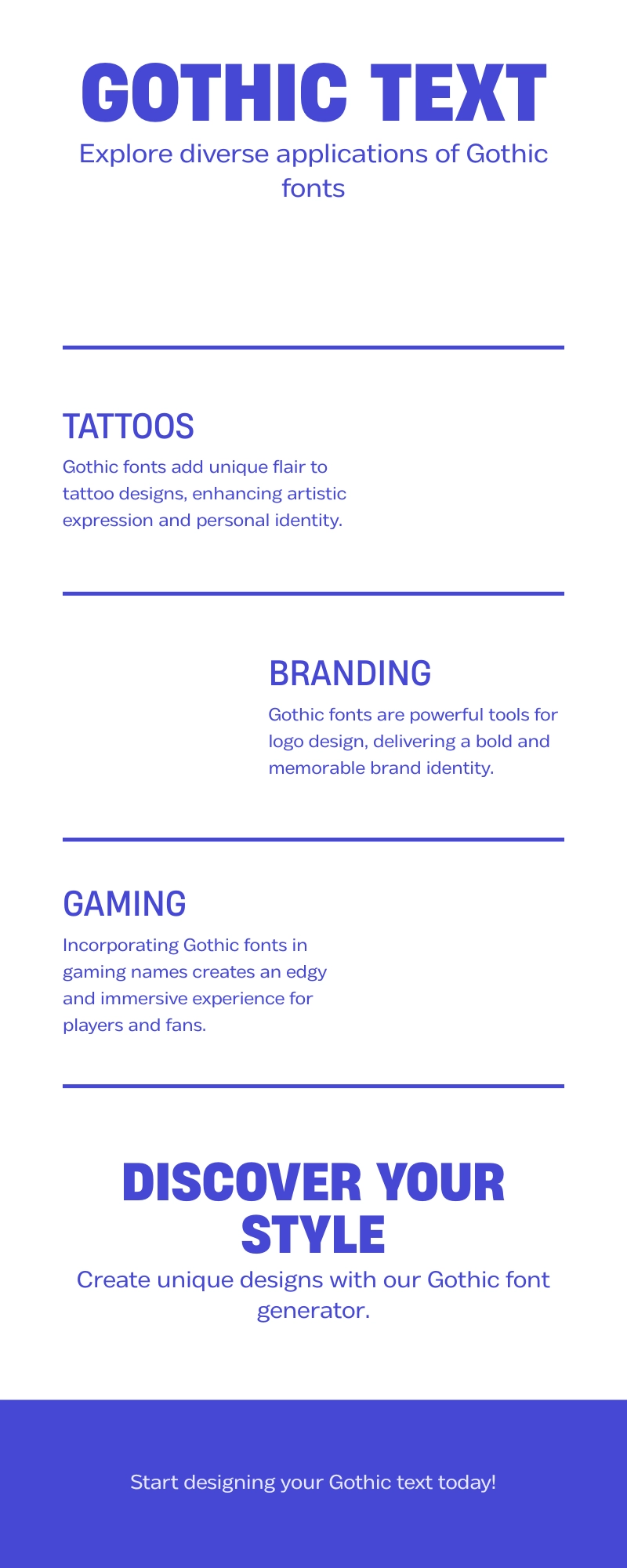
Under the banner of Ink & Identity, tattoo-ready Gothic text gives an artist clean Tattoo planning references, and a Gothic Wedding Font Generator covers wedding invitations, vow books, and Gothic wedding stationery for couples who want romantic Gothic lettering on the page.
Inside Brand & Masthead work, logo concepts and a Gothic Logo Font Generator turn quest scroll headings and medieval campaign titles into finished logos, useful for YouTube branding and any dark editorial display variants a brand wants to try.
Bio & Profile needs lean on Instagram bios, the search for the Best Gothic Font for Instagram Bio, monograms, and the general styling logic that keeps names and captions consistent across a profile.
Under Names & Roles, gamers pick a Gothic Font for Discord Names, set up clan tags, Discord names, server roles, and Discord-ready Gothic usernames that stay legible in chat, while fans of tabletop fantasy reach for Gothic Fonts for DnD Campaigns to mark guild marks and kingdom names.
Campaign & Lore pages draw on luxury scripts and classic blackletter styles for highlight covers and evening stationery, and the Invites & Monograms category closes the list with clean references and bold Gothic styles for anyone finishing invitations.
A Generator Built To Be Useful
The homepage itself works as a fast live tool with clear paths to every style, backed by a growing library of practical guidance for people who are not sure where to start.
Why This Gothic Font Generator Works for Real Projects
Compared with generic font tools, this one reads more like a complete design system than a single trick. A single copy-and-paste field handles instant Unicode conversion in seconds, so a designer testing a logo idea or a dramatic option for brand marks gets real-time previews without waiting.
The dark luxury interface carries its own atmosphere, and a toggle switches between a heavier Blackletter mood and a cleaner luxury variation of the same Gothic lettering, so deeper decisions about speed stay easy, with a bit of glyph novelty keeping the set from feeling flat.
All-style comparison cards sit alongside size and color controls and export tools, plus multiple backgrounds for quick experiments before anything gets locked in, and the surrounding content brings style education and scene-specific guidance for band logos, gaming tags, gaming clans, fantasy novels, and medieval posters. Because everything stays optimized and platform-ready, results are Fast across smartphones, tablets, and all devices, which matters for tattoo previews and other eye-catching designs someone wants to copy or export while keeping the text fully readable and properly dramatic, with real confidence behind every unique Gothic fonts pick and every tattoos design alike.
Supporting Old English, Blackletter, and Social Name Needs
For everyday Discord handles and other social names, the goal is distinction without losing sense at interface-sized text, so alongside dense blackletter and full Old English lettering the set also holds a cleaner Gothic serif and a modern minimalist variant for a more readable Gothic treatment.
At its core this stays a straightforward Gothic font copy-and-paste tool, nothing more complicated than that. New visitors get a short first-use workflow, and supporting content with linked guides covers any scenario, from a casual chat handle to ceremonial mastheads for something more formal, all in one consistent style.
What Makes a Strong Gothic Font Generator?
What separates a strongest tool from a pile of random Unicode glyphs comes down to a few tradeoffs: restraint in how much drama a style adds, enough contrast to hold up at small scales, and a clear silhouette and width that still land correctly on Channel art or any tight context.
How to Pick the Right Style Fast
Blackletter Classic still carries the strongest traditional signal of the whole set, which is why it dominates tattoo references and poster work, while Gothic Serif reads cleaner inside modern interfaces.
Shadow and Dark variants push into heavier visual direction territory, Punk treatments bring an edge into channel-art territory, and Cursive styles sit at the opposite end for softer ideas. None of it is meant as a novelty converter; each option is a distinct design with real utility, useful and collectible at once, and quick enough for quick text conversion when time is short.
For scripts beyond Gothic and Blackletter, like Runic, Greek-style, and hieroglyph-inspired lettering, see our Ancient Font Generator.
Jump Into Individual Gothic Styles
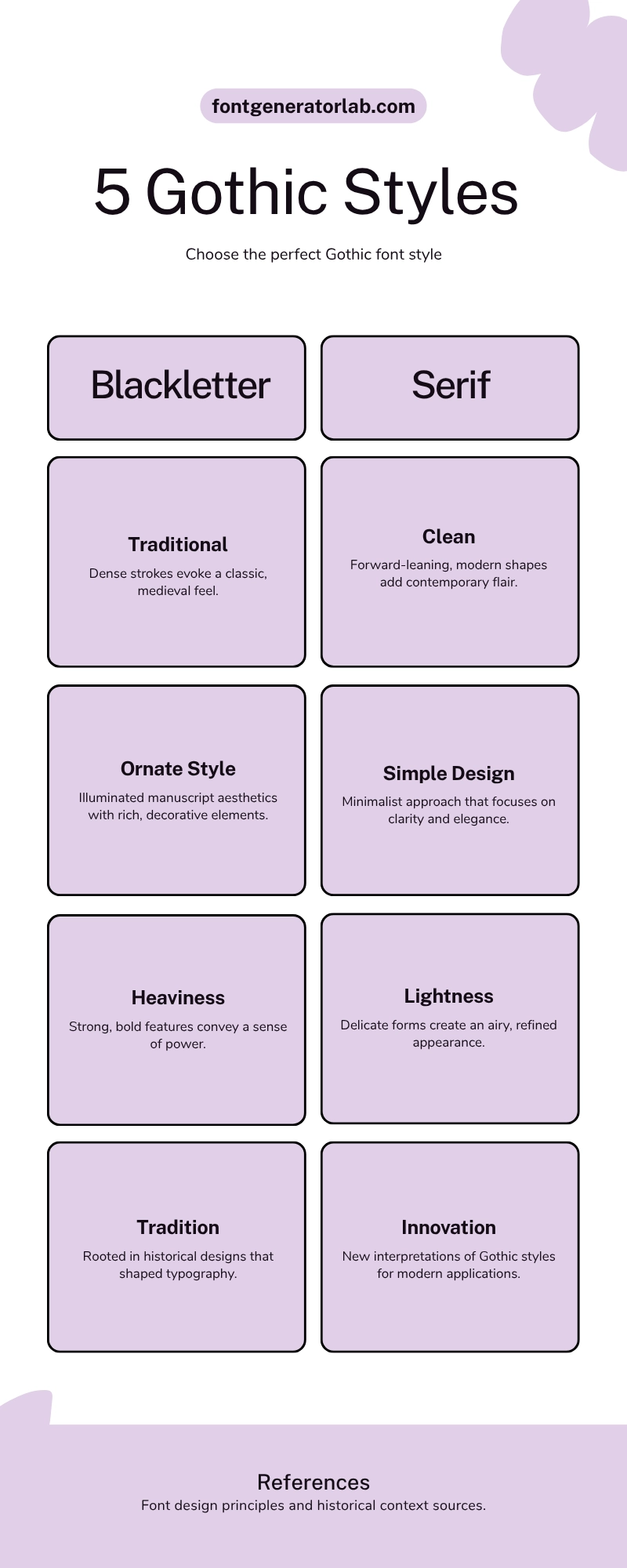
Each style page has its own personality. Gothic Bold and a serif-forward style bring structural clarity for apparel marks, Medieval Gothic leans into full illuminated manuscript energy and stays historically grounded, and Old English (Fraktur) carries the original Gothic blackletter tradition with a heavier fraktur variant for anyone who wants a classic blackletter look and true blackletter complexity.
On the other end, Minimal Gothic offers a stripped-back Gothic display style with contemporary refinement and premium restraint, keeping enough manuscript-era personality to feel connected to history without the extra weight.
Looking for something more playfully decorative than blackletter? Our Fancy Font Generator covers symbol-heavy and ornamental styles built for a different kind of visual flair.
Frequently Asked Questions
What is a Gothic Font Generator?
A Gothic font generator is a free online tool that turns regular text into Gothic-style Unicode characters, covering everything from Fraktur to Old English inspired styles, ready to be copied and pasted anywhere across modern platforms.
Is this Gothic Font Generator free to use?
This generator stays free to use with no account required, no watermark on anything produced, and no hidden limits on how often the copy tools, share links, or exports get used.
Where can I use Gothic fonts?
The resulting Unicode text works for Discord nicknames, TikTok names, game usernames, posters, and any other interface that accepts plain characters.
What’s the difference between Gothic and Blackletter fonts?
Gothic and Blackletter get used interchangeably in everyday language. Blackletter is technically one specific family of angular manuscript-inspired styles inside the broader Gothic tradition, but both terms point at the same visual world for most readers.
Do Gothic fonts work on all devices?
These are genuine Gothic Unicode styles rather than image files, so they display consistently across iOS, Android, macOS devices, and Windows, though older systems and certain apps used for publishing can occasionally show missing glyphs depending on the destination platform. If you run into a specific rendering issue, feel free to contact us.
What is Old English font?
Old English font is really the popular label for Fraktur-style lettering: dense strokes and sharp angles that carry a formal rhythm, seen everywhere from certificates and mastheads to modern streetwear branding.
How do I use Gothic fonts for Instagram bio?
Copy the converted result and paste it straight into the display name field for your Instagram bio, choosing a style that still reads clearly at small sizes.
What are gothic fonts also called?
Gothic fonts are also known as blackletter fonts or old English fonts, all rooted in medieval calligraphy and its dramatic strokes, and that historical appeal is a big part of why the style has stayed popular.