
Ancient Font Generator
Transform your text into historical scripts and archaic alphabets instantly.
Ancient Font Styles
What Is an Ancient Font Generator
Old letter shapes still carry real grandeur, the kind that pulls the mind back to Egypt, Greece, and ancient Rome. Font Generator Lab built its ancient text generator as an ultimate tool for anyone chasing a piece of the past, useful for tattoo ideas, history projects, fantasy games, or plain creative work.
The tool works by transforming text typed in standard text into letters styled after historical scripts, archaic alphabets, and other ancient letter styles, so history stops sitting in a textbook and starts showing up on posts, posters, medieval maps, RPG bios, tribal marks, and social headers. Every option gives an instantly preview line so human eyes can compare styles before committing, and the whole thing is built to stand out in wacky ways without turning fun into work.
This has nothing to do with real font files. The generator converts everyday typing into ancient-style text using decorated Unicode characters mapped from standard text, ready to copy paste stone letters, Old English shapes, or parchment-worthy unicode straight onto any platform.
Understanding “Ancient Fonts”
None of these styles swap in real fonts. Every row maps letters from a standard alphabet onto other Unicode characters already sitting inside the character encoding standard, not separate .OTF or .TTF files installed on a computer.
Nothing needs to install, since each character, special characters, or string of characters already exists as part of Unicode, a system built to cover thousands of letters across many languages on the web. That is the real difference between a generator like this and installed fonts: control stays with the person typing, decorative variations pull from mathematical symbols and other blocks, and the output still counts as a genuine font style even without a single line of installed code, versatile enough to work anywhere text normally works.
Pair a historic style here with a plain bold Unicode set from our Bold Text Generator for stronger headers and titles.
Why Use Our Ancient Font Generator (Benefits)
People reach for this kind of styling for plenty of reasons. Gamers use it for clan names and gaming profiles on Discord, Steam, or other gaming platforms. Others want a sharper Instagram bio, better Facebook posts, or a Twitter handle with more aesthetic than a plain username allows.
It shows up in usernames on Telegram and WhatsApp, inside chat apps generally, and even in text messages sent just for fun. A small business brand might use it for presentations, documents, or a personal brand that needs historical flair without paying a designer. Because nothing needs install fonts on the receiving end, the styled text pastes the same way across every app, which makes personalized messaging easy for any occasion.
History enthusiasts, fantasy writers, and educators all end up here for different reasons, some inspired by digital art and design projects, others just building curated collections of styles for a single project. It only takes few clicks, it stays free, and it works as a mobile-friendly tool for anyone making a post on social media platforms who wants that post to look different from the last one.
How to Use the Ancient Font Generator
Using the tool follows a short guide with a few clear steps, no complicated process anywhere from start to download, and no complicated use required.

Type Your Text
Start at the top of the page, in the input box, and type words or full sentences the way any desire for a quick line calls for, either as paste content copied from somewhere else or as fresh enter text. Type whatever text is needed, adjust customize details if wanted, and let the page create the rest.
See Real-Time Previews
Below that sits a scroll of real-time results, a full list of unique styles, more than 60 in most cases, ready to browse for a favorite. Each one is instantly converted the moment text is typed, changes appear in seconds while scrolling through the previews.
Colors and backgrounds can be adjusted, and it stays simple to navigate between styles, with every stylized result showcasing exactly how that particular style, fancy font, or piece of fancy text will look before it goes anywhere. This whole text generator behaves like a live preview panel rather than a static list.
Copy and Paste
Once a style looks right, copy is one click away. The copy button sends the paste text straight to the clipboard, so it can paste into any app with a simple click copy, no separate step needed for something this quick.
Tool Features
The feature set is built for speed and compatibility across everything. Real-time generation drives distinct font styles pulled from a massive variety of alphabets, including Runic marks, Hieroglyphic-inspired shapes, and other blocks tied to the Unicode standard.
Instant conversion happens the moment a phrase is typed, and results fit into any workflow on mobile phones, tablets, or desktops alike, staying easy to use thanks to responsive design and universal characters that render the same on every device.
Controls stay simple: a clear button wipes the box, a reset button restores defaults, copy input duplicates whatever sits in the box, and one-click copy sends the finished line out, all wrapped in user-friendly controls that need no manual. Everything renders locally in the browser, so drafts stay private and the count of possible combinations is effectively unlimited. These are the kind of tools built to generate results fast, no matter the device.
Explore Our Historical & Fantasy Script Styles
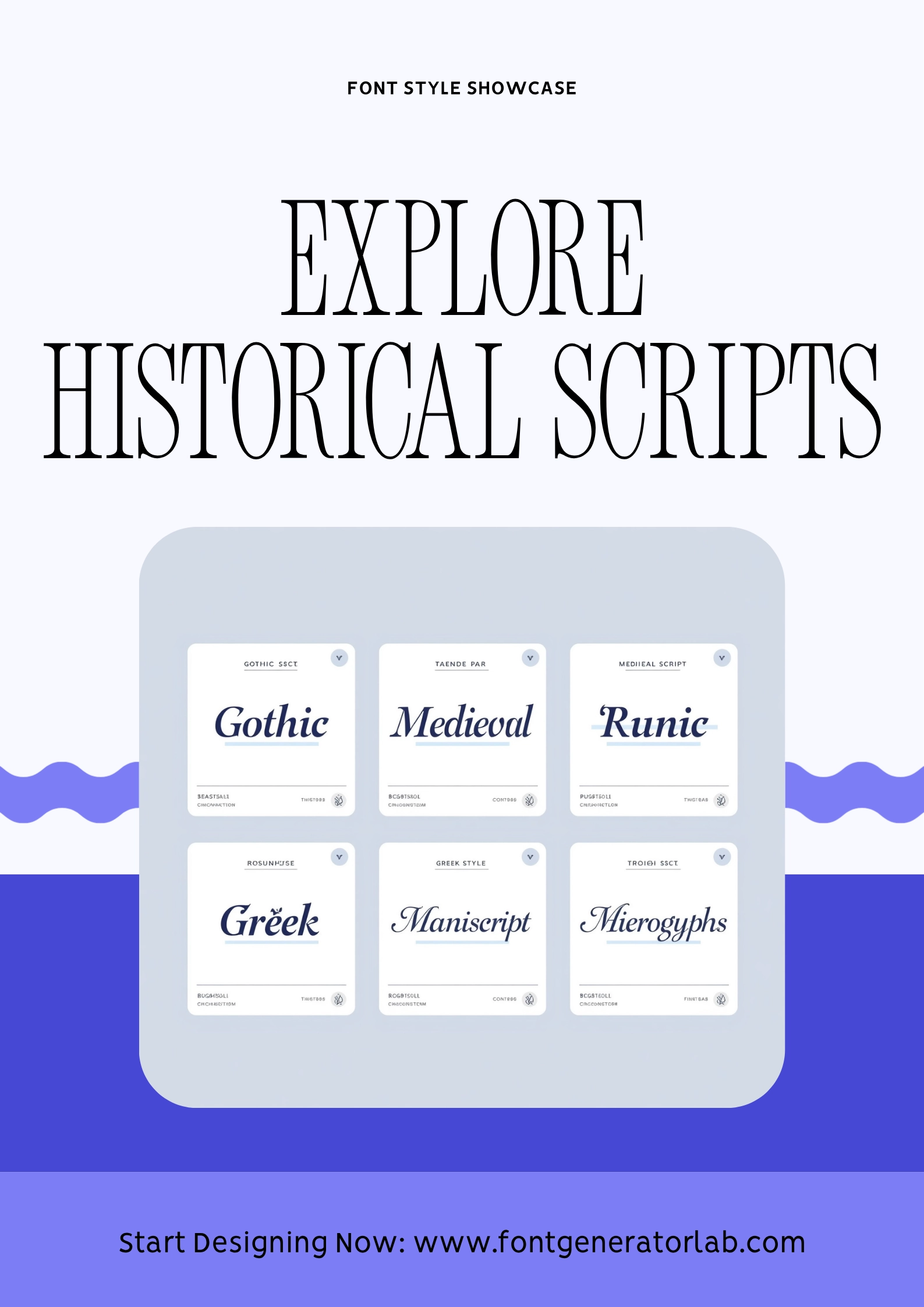
Gothic and Medieval Script carry the rugged aesthetic of knightly orders and hint at Viking lore and Norse mythology, close enough to Norse Inspired shapes to feel like something pulled straight from Ancient World manuscripts.
Medieval styles and Cursive Scripts sit near reproductions built off ancient manuscripts, giving off a sense of classical antiquity and dark fantasy at once, almost a mystery, like digital signatures left behind on purpose.
For something cleaner, Monospace and Squared text offer a plain, even form of letters, while Modern, Elegant, and Greek-style rows lean toward a sharper digital look. Abstract Fonts and Vaporwave round things out for anyone chasing stylish headings that read as more artistic than historical.
Curated Historic Rows in One Grid
All of it sits together in one scrollable grid instead of scattered pages, so historic font styles, medieval rows, and tribal marks line up side by side for anyone who wants to compare before picking.
Type once into the input field, and every row will render and preview instantly. There are no blank squares waiting to load, and no broken characters glitching out midline. It is a fast way to check RPG names, guild mottos, and event titles against runic symbols, ornate symbols, and Old English bold.
Posters, Fairs & Museum Promos
Local organizers use the same styles to stylize announcements for a weekend slate of heritage walks, library exhibits, or fair schedules. Volunteers running a booth or writing volunteer newsletters can pull unicode kits with rare blocks for headers, then export or capture screenshots for print. Because the output is print-ready plaintext at heart, it still works fine on legacy devices and older SMS apps that choke on real fonts, and it is easy to swap phrases or strip formatting back to normal text before sending it out by email.
Fantasy Authors & Stream Overlays
Writers building out a series arc use ornate unicode hooks for chapter titles and ancient headlines above synopsis paragraphs, then reuse the same FontGen rows for Carrd drops announcing new releases.
Streamers do something similar with Twitch panels and mobile Twitch dashboards, styling proof overlays inside OBS with Cool Fonts italics for a bit of polish, while still keeping accessibility in mind so the underlying text reads fine to screen tools.
World-Language Classrooms
Language teachers get real use out of script diversity too. Cyrillic showcases sit next to Latin ancient styles, Arabic, and Hebrew, giving students a side-by-side look at directional scripts without opening a single font manager. Unicode maps drop straight into docs and lecture notes as copy-friendly samples, next to a plain sans fallback for comparison, and none of it depends on proprietary installers that a school computer might block.
This tool is part of our wider collection of style-based font generators that are all free, all copy-paste ready.
To learn more about Font Generator Lab and the tools we build, visit our about page.
Frequently Asked Questions
Is the generator free to use?
The ancient font generator is 100% free to use, with no hidden charges, no subscriptions, and no real limitations on how many stylish fonts get produced in a session.
Will these fonts work on Instagram, Twitter, and TikTok?
Yes. On Instagram, TikTok, and similar platforms, these styles behave like normal Unicode-based fonts, showing up fine in captions, bios, and comments, since none of it depends on obscure characters that break rendering.
Do I need to install any software or fonts?
No installing is needed. This stays a web-based tool built with plain CSS, HTML, and JavaScript running on the visitor’s own system, no separate software involved.
Why do some characters look like normal letters?
Some letters in a row look close to normal letters rather than fully redrawn shapes. That happens because the Unicode set does not include a direct equivalent for every letter in every style, so the generator falls back to something like a Subscript style version of the original character instead of leaving the row incomplete, keeping each line complete.
What are ancient fonts?
Think Roman and Greek typefaces, Egyptian hieroglyph-style alphabets, and other marks tied to classic civilizations, chosen more for a timeless look than historical exactness.
What is an ancient font generator?
It is a free online tool producing historic-looking unicode, plaintext dressed up as plain unicode to resemble stone lettering, ready for Carrd headers or anywhere else normal text would otherwise go. It does not create installable font files, it only styles what is already there.
How do I copy ancient-style text?
Copying an ancient-style row works the same simple way as copying anything else: select it, click copy, then paste.
Is my input stored on a server?
No. Nothing typed into the input box gets stored on a server, it stays local to the browser session throughout. See our Privacy Policy for full details.
Why do I sometimes see squares or missing glyphs?
If a row shows up as squares or missing glyphs instead of a proper character, that usually points to a font on the visitor’s own device that does not support that particular Unicode block, not a problem with the tool itself. If a style keeps showing boxes, feel free to contact us and we’ll help pick one that works.
Can I combine ancient fonts with Cool Fonts or Bubble Text?
Yes, styles here combine fine with Cool Fonts or Bubble Text rows from elsewhere on the site for anyone mixing looks inside a single caption.