
Bold Text Generator
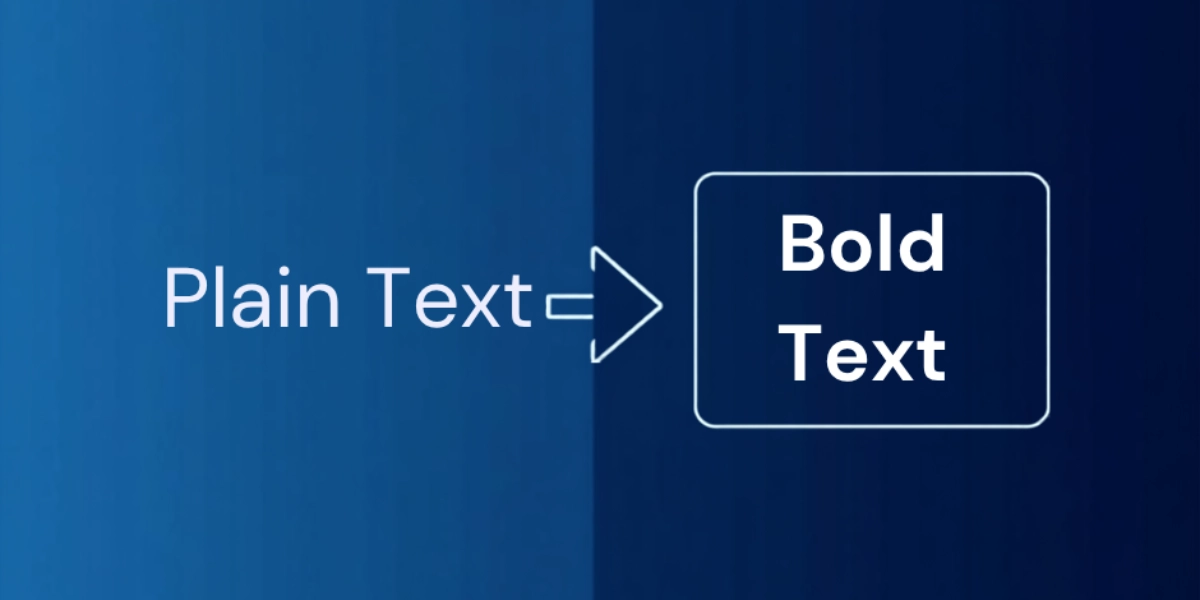
Convert ordinary letters into Unicode mathematical bold symbols instantly. Perfect for highlighting text on social media and across platforms.
Start typing above to see font styles · ♥ to save favourites
Bold Font Styles
Favourites
No styles found for that search.
All styles shown
What Is a Bold Text Generator?
Bold text is a powerful way to capture attention in almost any content, and that holds true across contexts as different as news websites, social media, and presentations. Professionals and individuals alike reach for bold fonts because a good text generator is quick, effortless, and free.
This bold text generator is a straightforward tool built for attention-grabbing writing. Type your normal text into the text field, hit convert, and in seconds the generator hands back bold Unicode characters ready to copy and paste. It has become a preferred choice mainly because of that mix of ease and speed.
Unlike CSS bold formatting, which only works on websites you control, this free online tool uses real Unicode characters, so the styling carries across platforms like Instagram, Twitter/X, Discord, WhatsApp, Facebook, and TikTok. Behind the scenes it converts ordinary letters into Unicode mathematical bold symbols, the same symbols mathematicians use, repurposed as fonts for everyday online writing.
The collection of bold font styles keeps growing too. Combination styles that felt impossible to find previously now appear as ready made options, with enough variety between standard looks and downloadable fonts that most people never need a heavier file just to make a word look bolder. This tool is part of our wider collection of style-based font generators, all free and all copy-paste ready.
When Do I Use Bold Text, and When Not?
Knowing when to use bold text matters as much as knowing how to make it. The purpose of bolding is to emphasize key points, not to decorate every line. Headings and subheadings can carry their own weight, so reserve bold for important information the reader should not skip, things like a deadline or a handful of keywords that draw attention to specific details.
In the right context, bolding a few words or phrases makes a message instantly clear and impactful, helping those words stand out from surrounding text and giving the page real visual hierarchy. Used purposefully and strategically, bold words strengthen readability.
It gets difficult when bold shows up too frequently, with excessive force behind it. Indiscriminate bolding is overwhelming to read, and it can diminish the very impact it was meant to create, leaving a page that is actually harder to read. The fix is simple: use it sparingly.
Why Are Bold Fonts Important?
Good typography has always relied on emphasis to guide the eye, and bold fonts play a crucial role in that. They help readers scan and comprehend a document or website faster, because visually prominent text signals importance and significance at a glance.
A bolder weight makes characters heavier than the surrounding text, which is exactly why bold stays central to written communication and to design aesthetics generally. It does not change what a word means, only its appearance, but that small shift is enough to enhance how a page reads.
Are Bold Fonts Easier to Read?
Bold fonts add thickness and contrast that boost visibility and legibility, helping small details pop on a busy page. But the same thickness that helps a headline can hinder a long passage of continuous reading, since dense bold text causes visual fatigue over time. Used judiciously, bold stays a help rather than a strain.
Popular Use Cases
Bold text shows up everywhere professionally: in advertising and marketing, in graphic design and web design, in writing for education, in emails, in news articles and product descriptions, in branding, even in legal documents that need a clause to stand out. It is just as popular on online forums, on a flyer or poster, and across promotional material of every kind, mainly because a bold word is simply more memorable.
When a single bold word isn’t large enough to headline a banner or thumbnail, our big text generator scales that same idea up into oversized, attention-grabbing letters.
Why Choose our Bold Text Generator?
Plenty of writing apps let you hit a keyboard shortcut like Ctrl+B on Windows or Command+B on macOS to switch on a bold style, but that only works inside those specific applications. A proper font generator tool does more: it lets you input text and transform it into cursive, strikethrough, underline, and other creative styling. It stays easy to use with every update, which is part of why people treat it as the #1 font generator for getting this kind of work done fast.
Experience the Ease of How to Convert Text to Bold
Make It Yours
Getting started is just inputting text, either by typing or pasting it in. From there, a bit of scrolling through the bold options lets you personalize the input until the result truly reflects the tone you want.

Pick Your (Bold) Battle
Next comes the selection step: scroll through a hand-picked range of styles, try a few, and choose your favorite.
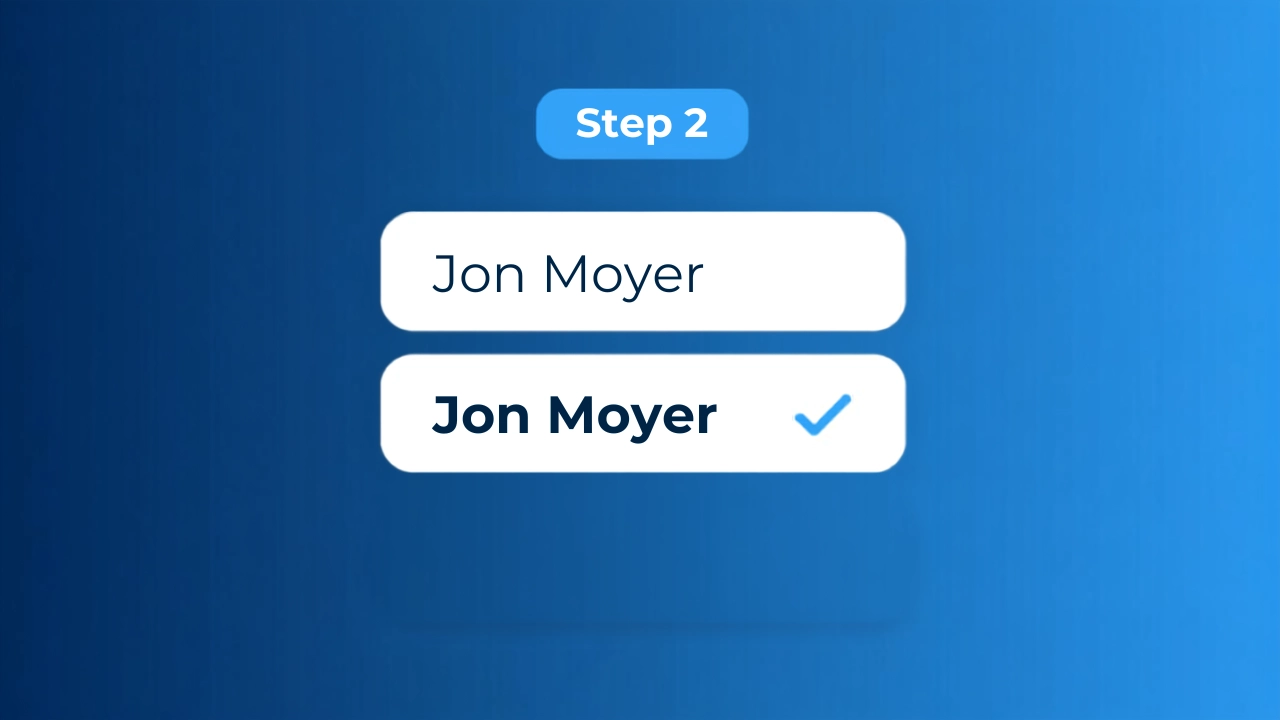
Edit, Copy & Paste
Last is the editor, where you can edit the result further, add emojis, and fine tune it before sending it anywhere.

How Do I Make My Font Bold?
There is more than one way to make a font bold. In HTML, a b tag or a strong tag does it, and in CSS, a font-weight declaration set to 700 creates the same bold effect. Markdown uses double asterisks for rich text. The catch is that copy-paste between apps without proper formatting support means formatting is lost along the way, since a normal b tag result is not inherently bold at the code level once it leaves its original app. A Unicode-based generator sidesteps that because the letters are bold no matter which keyboard or app receives them.
How Does the Bold Text Generator Work?
The Unicode Standard is a standardized system that gives every written language its own set of computer characters, more than 134,000 characters in total, each one a unique glyph with its own shape. Together, these glyphs cover far more ground than a typical font file. The generator relies on simple mapping: regular letters a-z and numbers each have a matching bold glyph already built into that set, things like Unicode Mathematical Bold letters. That is how it offers styles, including sans-serif bold, serif bold, bold italic, and bold script, without inventing a single new character.
Does Bold Text Work with Numbers and Special Characters?
Numbers and symbols get the same treatment. Bold digits 0-9, meaning 0, 1, 2, 3, 4, 5, 6, 7, 8, and 9, all convert cleanly. So do common punctuation marks like periods, commas, and question marks, along with other special symbols. These variants exist as proper special characters in Unicode, not as font hacks, so they display the same way everywhere.
What Bold Font Styles Are Available?
This generator works instantly across the spots people actually post: Instagram bios, Twitter tweets, Discord messages, WhatsApp status updates, and far beyond. With 300+ bold letters sets ready to go, a bold word can travel everywhere, even on platform after platform that blocks normal CSS formatting, from a sign-up form to an unlimited stream of bio, captions, and comments.
A bold profile name turns ordinary words into visual anchors: a Twitter thread, a Discord username, a Facebook status, a line in a long feed that people would otherwise scroll past. That kind of weight reads as authority next to plain text, and it needs no app downloads to work, across Twitter/X display names, LinkedIn headlines, Discord server names, and TikTok captions alike. Some platforms even read Markdown bold natively, but Unicode bold works on any device, any browser, styled the same on every platform without relying on the app to render it.
There are 300+ bold font variations here, and the most popular ones cover a wide range, from a classic, elegant look to a Double-Struck Bold style borrowed from math, a Fraktur Bold with a gothic edge, and plenty more built for social media posts and professional content. People use them for bios, usernames, and similar purposes: Sans Serif Bold Italic, Bold Cursive, Bold Fraktur, or just simple bold text when that is all a post needs.
Italic Bold styles add an italicized, expressive feel while staying easy to read and clean; Sans-Serif Bold Italic in particular keeps that italic effect sharp, which works well for highlighting updates or any fancy bold text that needs a bit of aesthetic lift.
For the full range of Gothic and other historic scripts, check out our Ancient Font Generator.
Where Can I Use This Text?
Bold Unicode text shows up almost anywhere you can type, from a Wi-Fi network name and browser tabs to bookmark folders, well beyond the obvious social media platforms. YouTube descriptions and instant messaging apps like iMessage accept these Unicode symbols the same way they accept plain letters.
Using bold to highlight important words or short phrases actually helps engagement; pages built this way can see roughly 70% more attention than a flat wall of text, which adds up over a week of posting. Worth a note on accessibility: screen reader users may hear these fancy text styles read out as individual symbols rather than words, so it is worth using them to offer a visual lift, not to promote entire paragraphs of essential information.
In practice, people drop bold into WhatsApp messages, a status update, Twitter/X tweets, Facebook posts, a TikTok bio, YouTube comments, LinkedIn posts, Telegram chats, and Reddit threads without a second thought. Because Unicode bold characters come from the same Unicode character set every operating system already supports, they stay universally supported on modern devices.
How to Make Facebook Bold Text?
Facebook is a good example of how this plays out. The platform does not natively support universal text formatting on profiles, so a bold word only works if the display text itself already carries that natively support baked into the character. Highlighting important points this way makes a long post easier to go through at a glance.
How to Make Instagram Bold Text?
Instagram works the same way. Open the “Edit Profile” menu on an iPhone or Android, paste the bold text from any of the bold font styles here, and it will display correctly in your bio or story text.
Bold Text on LinkedIn
LinkedIn posts benefit too. Pick from the same bold styles to format a key line in a lengthy post so it does not get lost in the scroll.
Use Built-in Formatting When Available
Some apps offer their own built-in formatting instead, where typing a single asterisk or a double asterisk around a word makes it bold natively. Use that built-in formatting when it is available, since it tends to be more accessible across devices than a Unicode workaround.
Online Text Formatting
Plenty of chat apps and forums, including Threads, support this kind of styling directly, and an italic text generator works on the same principle if italics suit the moment better than bold.
What Makes Bold Text Effective for Social Media?
Bold earns its place in social media feeds because it is visual in a way plain text is not. A bolded line can lift click-through rates by something like 35%, simply because bio text that is scannable stands out in a crowded scroll. Bold calls-to-action and consistent brand recognition create a pattern the eye learns to follow, which is exactly what drives engagement as people scroll through busy feeds.
Is the Bold Text Generator Free to Use?
And to be clear on cost: this stays 100% free. There is no registration, no account needed, and no limits on how much unlimited bold text you create. Generate as much as you like in one click, with no hidden costs, no watermarks, and no ads anywhere in the way. Every bit of functionality works the same on desktop, mobile, and tablet, with no paywalls hiding any of it. To learn more about Font Generator Lab and the tools we build, visit our about page.