
Italic Text Generator
Transform your text into elegant slanted and italic styles instantly.
Italic Font Styles
Unicode italic variants — copy and paste anywhere.
About Italics Generator
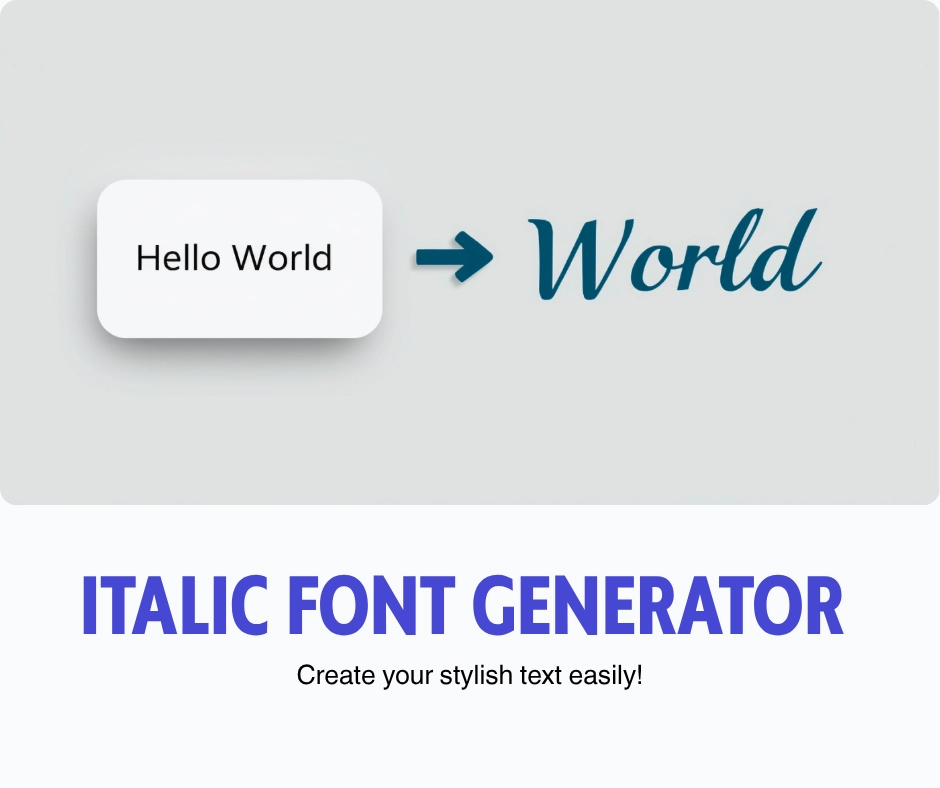
Our team has spent enough time building and testing an Italic text generator to know why people keep coming back to this kind of tool. You enter text in a box, and instead of asking your device to italicize anything, the tool swaps every letter for Unicode characters that were built to lean. That’s the whole trick behind an italic font generator: it isn’t touching your font settings at all, it’s pulling from a hidden set of Unicode symbols that happen to look slanted no matter where you paste them. There’s no need for downloadable fonts either, since nothing gets installed on your device.
That matters because most online platforms don’t let you format text the normal way. Instagram bios, Twitter captions, Facebook comments, and posts on X all strip out regular styling the second you hit publish.
Copy and paste the converted text instead, and it keeps its shape everywhere. There’s real variety here too, dozens of italic fonts and different italic styles to try, so you’re not stuck with one flat look. It’s worth being upfront about the limitations though: these are known substitute characters, not true fonts, so once it’s seen on screen it will look like italic text, but it’s technically its own actual character set doing the work behind the scenes.
When to Use Italic Text
A single word carrying strong emphasis doesn’t need a whole sentence shouting, just a light Bold effect or a touch of Italic styling to make it heavier in the reader’s eye. Sans Serif Italic works well for a clean italic style that stays neat on mobile screens, and switching to Bold Italic or Sans Serif Bold Italic helps when one phrase needs to pull double duty. Quotes benefit from this too, and so does citing sources, since a clean style separates borrowed words from your own without extra punctuation.
Writers use it for accessibility-focused content, marking examples or highlighting key points so screen readers and skimmers both catch the structure. Choosing to italicize text is often faster than reformatting a whole sentence just to highlight or emphasize one detail. There’s also a practical side for anyone doing math, where Unicode Mathematical Alphanumeric Symbols give you a proper bold version of a variable without opening a separate app.
Beyond looks, italics carry tone. A fancy-looking caption reads differently than a flat one, and swapping between different text styles mid post is a fast way to share thoughts more subtly. Plenty of users lean on it for writing thoughts that felt too plain in normal type, running them through a bold text generator or a highlight specific words approach until the right word stood out.
It works well on longer text too, though it’s smart to keep the emphasis light so the whole block doesn’t fight for attention. Think of it as lightly highlighting keywords rather than converting an entire paragraph, that’s where bold text and clean text actually stay readable.
How Does This Tool Work?
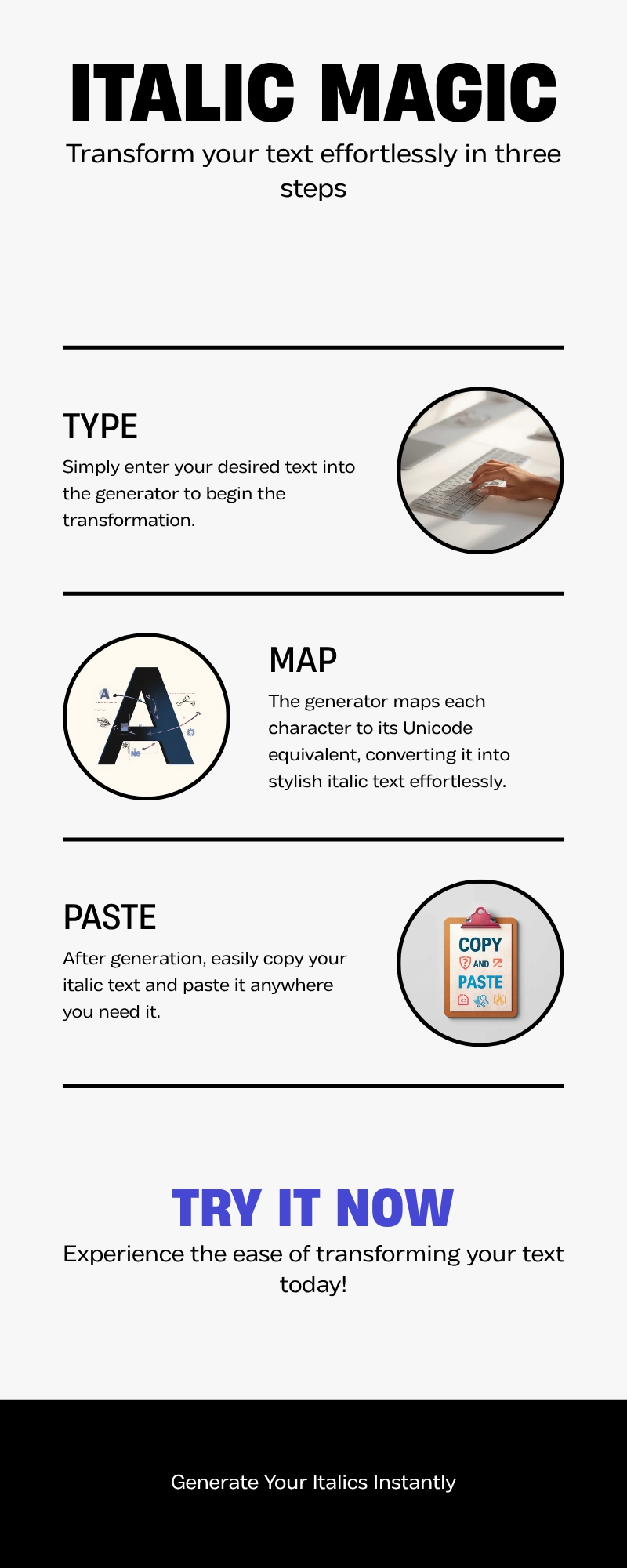
Under the hood, this whole idea rests on a single Unicode block set aside for styled letterforms. Every character you type gets swapped for matching computer characters from that block, which keeps a consistent style across the full message. That’s why italicized text never breaks apart between devices the way font based formatting sometimes does.
The same logic powers math equations in academic writing, since Unicode treats lettering as a standardized system rather than a visual effect. The generator simply creates output from that special set of characters already built into Unicode itself, nothing more mysterious than that.
When Should I Use This Tool?
Anytime you need to apply italics on social media without fighting a platform’s editor, or when a caption needs to correctly format a title while you’re online. Even something as small as wanting to emphasize a word in a bio is reason enough.
Italic Font Styles for Every Platform

Discord usernames and Instagram bio sections both accept styled text online since the app just renders characters, it doesn’t know the difference. Twitter/X comments look sharp in Sans Italic, and there’s no cap, unlimited categories of styles to pick from right in the browser.
Paste into any text field, from Facebook posts to a TikTok captions box or a word processor, and there’s no sign-up required to get italic-style text out the other end. It’s become something of a classic signal for personality online, because once a style follows the Unicode standard, every device will render it the same way. Testing holds up across Android and iPhone, in HTML, in Markdown, and even in raw CSS-styled text, and the result stays steady.
Beyond basic italics, you’ll find Script styles, Serif Italic, and other slanted Unicode styles for anyone building out a Twitter display names look or a standout profile. There’s a certain elegance to picking the right one, and because it’s free forever on most sites, you can experiment across every platform without worrying about cost.
The Unicode italic characters behind each style stay identical wherever you paste them, which is really the whole point of relying on italic formatting that doesn’t depend on the app you’re using.
Want something more historic than a slant? Our Ancient Font Generator covers Old English, Runic, and Greek-inspired scripts.
Frequently Asked Questions
How does the italic text generator work?
Your regular characters get matched one for one and swapped, so the tool converts ordinary letters into their slanted twins from anywhere you’re typing, giving you that instant italic appearance without extra steps.
What are the best uses for italic text on social media?
On social feeds specifically, italics carry real communication value. They’re the classic way to mark foreign words, set apart book titles or movie titles, or add a subtler emotional layer to a caption, since slanted type has long stood in for internal thoughts or whispered speech.
Can I combine italic with other text effects?
You can absolutely combine styles too. A generator built around visual hierarchy lets you mix regular text with a bit of slant, and bold-italic combinations in the same post are common since the combo pairs well, letting one line carry more weight than the rest.
Do italic fonts work on all social platforms?
Compatibility rarely trips people up. Test it on Windows, on Mac devices, across iOS, or inside WhatsApp, and the characters still display correctly. TikTok and other modern platforms all read Unicode the same way, so nothing looks broken when it lands on someone else’s screen.
Is italic text professional enough for business use?
There’s also a place for this in formal writing, even if the style feels more casual at first glance. Used sparingly, it fits business posts and other professional contexts just fine, since a little sophistication goes a long way without turning the message decorative for its own sake.