
Bubble Font Generator
A specialized tool for bubble fonts. Convert normal text into classic hollow circles, bold filled bubbles, and other stylistic variants instantly.
Bubble Font Styles
Favourites
No matching font styles found.
Overview and Definition
A quick overview to start: a bubble text generator turns normal letters into a bubble counterpart built from Unicode symbols, and that short explanation covers most of what people search for. The plain definition and the full bubble text generator definition both come back to one idea, normal text in, bubble-style Unicode characters out.
The meaning behind the tool is simple too, it exists to make headlines stand out and hold someone’s attention span for a second longer on crowded sites and social platforms. Type your real text, enter words, pick style, and change fonts on the spot, no coding, no heavy design work, just a fast boost to plain type. The output reads as playful rounded bubble letters with a bubbly look, ready to paste anywhere. What comes back keeps its round shapes and visual contrast, and because it stays Unicode, the paste result stays selectable text and copyable text, never a picture. That means it works the same in a browser tab, on an iPhone keyboard, inside chats and chat apps, or in a caption box.
What It Does and Key Features
As a free online tool, it works like a bubble alphabet font maker: type text in regular text, hit convert, and letters are transformed into a bubble letter font made of rounded characters, decorative bubble letters, or enclosed characters, almost instantly.
Under the hood it relies on solid character mapping and real Unicode support, pulling from several Unicode blocks so circled, squared, and bubble glyph shapes all line up correctly, digits 0-9 included. When a missing glyph shows up on an older phone, fallback logic kicks in so the result still avoids mistakes and keeps a consistent look across devices render differences.
The tool offers multiple bubble font styles, real style variants built for different moods, from cute bubble fonts for a soft feel to bold balloons style bubbles for higher visibility.
How It Works and Step-by-Step Use
There’s no app needed and no install needed, so it works as a genuine cross-platform, fully free generator whether posting on Twitter, drafting Discord messages, or writing TikTok captions.
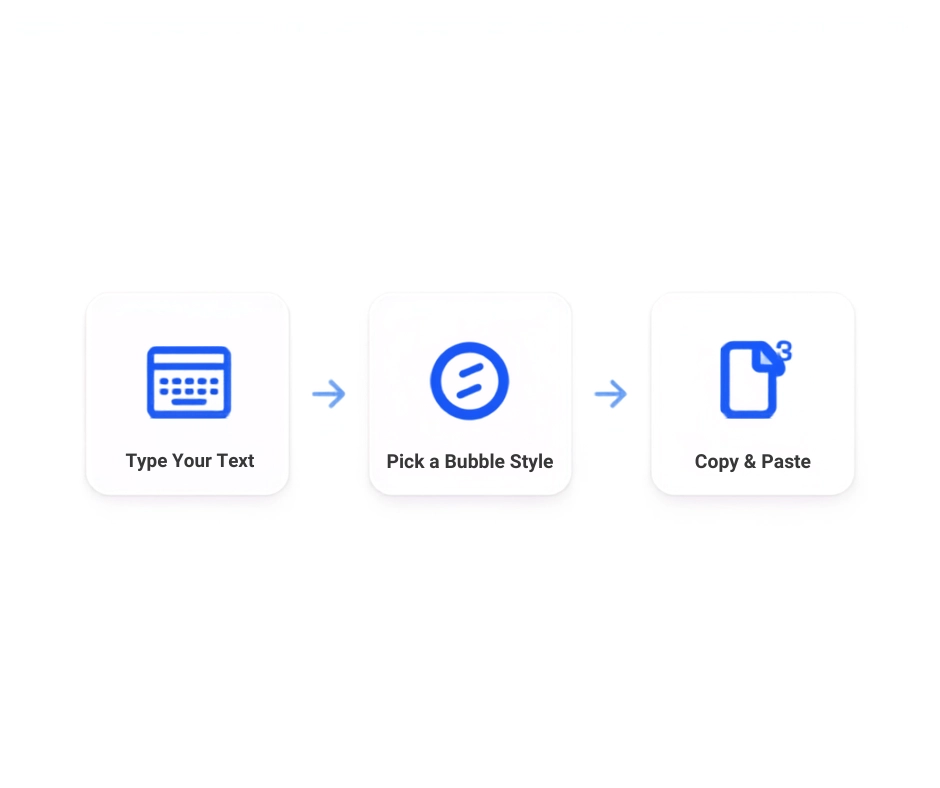
Step one, paste your base text.
Step two, pick bubble style, choosing between a white bubble, black bubble, hollow circles, dark filled bubbles, or bold filled bubbles, switching takes just one click.
Step three, click copy and the clipboard holds a styled output with a clean look, no no watermark stamp attached.
Try a few sample lines, browse styles for a bubble version that fits the target app, then hit copy output and post. The whole thing takes about one minute, sometimes less, and stays short and clear by design, built for fast creation rather than a slow design process. Use it for chat, for a caption, or for standard text symbols replaced wholesale, the flow never changes.
Bubble Styles
Two Main Styles and Variants
On style options, the generator ships with 6 Unicode bubble styles, or put simply six bubble styles covering six distinct looks built on real Unicode, not images.
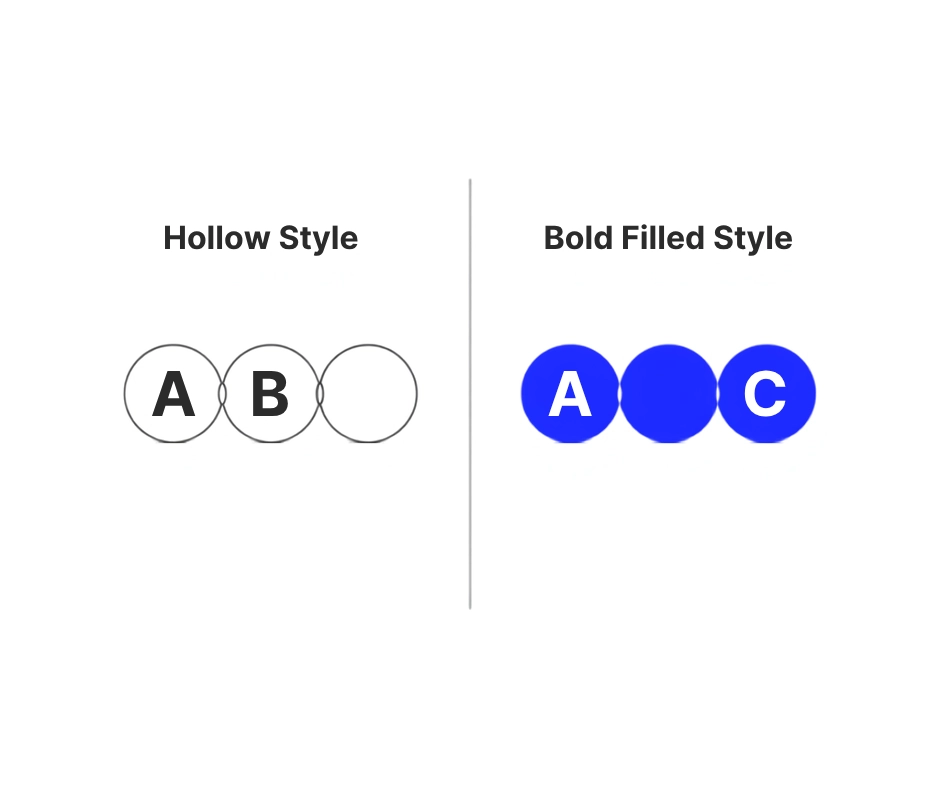
There are two main bubble styles at the core: classic hollow circles, also called classic hollow style or classic bubble letters, and bold filled dark bubbles, sometimes shown as dark bubbles. Around those sit extra styles like squared bubble letters (squared bubbles), parenthesis style (parenthesis bubbles), plus circled numbers for bubble numbers work.
Case matters too, pick an uppercase variant or a lowercase variant, and remember some styles cover letters only with no digit support. Type once and use preview variation to flip between them, everything stays instantly copyable, and if a filled style needed for a username, the bold filled bubble style option covers it.
Hollow Bubble Letters
The hollow bubble letters option gives a thin open circle outline, a soft, cute, easy to read shape that suits bios and captions nicely, an example hello shows the classic look clearly.
Bold Filled Bubble Letters
On the other end, the bold filled bubble letters option builds a filled set with a heavier look, a solid filled circle finish, and real high-contrast against a light or dark background, which is why it turns up so often on usernames and busy feeds.
Why Use This Generator
It is simply the easiest way, and often the fastest way, to create bubble writing fonts without opening design software, all handled online.
Instant Conversion
Type a line and there is no loading spinner, results land in real-time, an instant conversion that turns plain letters into instant bubble letters the moment you generate bubble fonts, no waiting around.
Completely Free
Cost is not a factor either. This runs on no payment, no cost, and is genuinely completely free, with no subscription, no account, and no watermarks stamped on the output. It covers unlimited free bubble fonts, works for commercial use and personal use alike, and a free bubble font conversion requires no sign-up and no download step either. There are no usage limits and no limits on how much text gets converted; just type, copy, paste, and move on.
Copy and Paste Anywhere
These bubble letter fonts are built for copy and paste anywhere, across every platform worth naming: TikTok, Facebook, X Twitter, WhatsApp, Telegram, gaming servers, Discord channels, even a Word document if the styling calls for it. Because output is real Unicode output and not a font file, it drops straight into posts, statuses, gaming tags, and clan tags without needing extra design tools.
A short list of confirmed-friendly places helps you skip guesswork, since platforms render Unicode differently. Before sending, it is worth doing a quick check that the platform allows Unicode, then verify result in the actual app, since a clean copy typically avoids hidden spaces riding along in the clipboard. If one style looks off after you paste into app, just switch bubble style and try again.
Works on All Devices
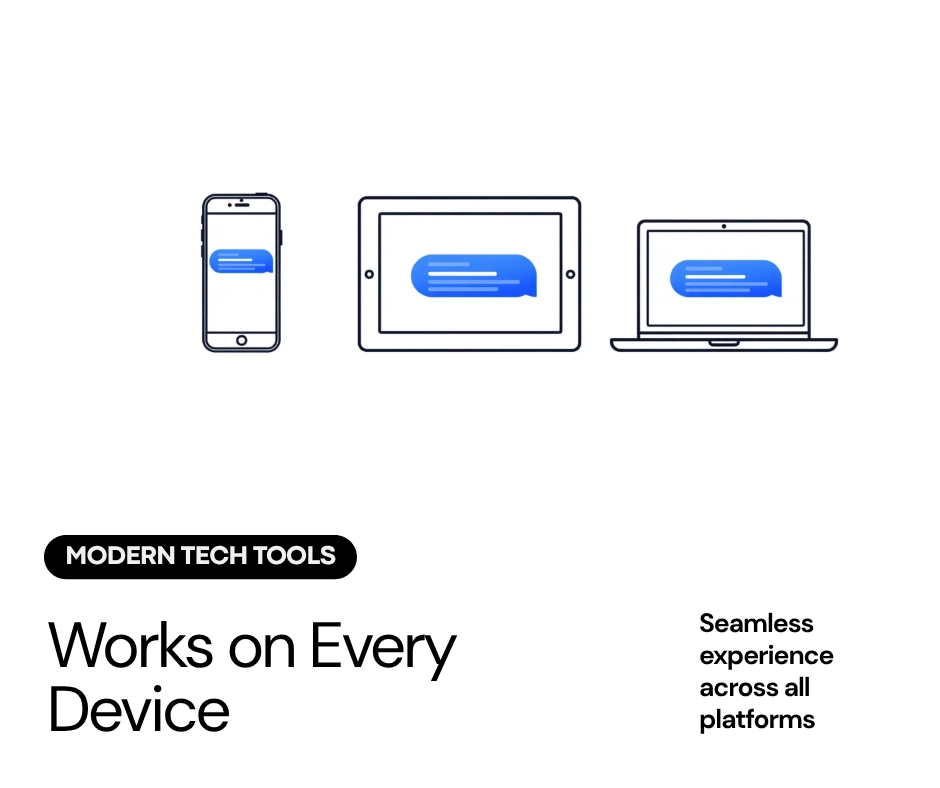
On hardware, this bubble writing font maker is fully responsive and genuinely works on all devices: mobile, tablet, and desktop alike, across Android devices and iOS devices, no matter the operating system running underneath.
Modern devices handle these bubble alphabet fonts and other Unicode characters without trouble, and all devices compatibility is strong, though a few old systems can still fail to support symbols correctly, meaning a glyph fails to show and the original character appears instead of the bubble shape.
Rendering differs by app too, since app support varies and rendering differs by platform, so a quick preview before posting matters, especially in tight boxes like game username fields, a bio line, or an about line.
If a specific Unicode character does not render, switch style or try other bubble style until one display correctly across the target app; when app doesn’t support one style, another usually supports it.
Some readers stick with plain letters in another field if a style fails, since screen readers do not always read decorative text the way they read Unicode normal text, so keep accessibility in mind and leave an essential copy of the message in normal characters somewhere.
Where to Use Bubble Text
Social use covers almost all platforms: Instagram bios, TikTok bios, stories and story stickers, story labels, comments, and replies all take a short bubble tags style line well, and the same goes for forums threads and quick Discord chats.
Social handles, display names, cute usernames, social bios, and full gaming profiles benefit from a name in bubble style, and Discord usernames, channel descriptions, and server names get the same treatment inside chat groups and messengers.
Real World Examples
Think VIP and MOD tags among Discord Roles, or clan style bubble tags used as product badges. A YouTube Chapter title, a video’s title itself, or short video titles used across timelines are common real-world examples. Add a bubble line to Canva designs for extra flair, since even one short bursts style word breaks up a dividers heavy layout better than plain type.
Best Tools and Methods
A few paths exist to render bubble text, and each has its own pros and cons. The fastest route for most people is a dedicated tool: a website with a clean input area, smooth mobile performance, a symbol panel, badges or UI labels showing each option, and a copy button for paste clear copy actions.
Good ones give a live preview with real selectable output, a styled result, and indexable output, handle mixed case, numbers, punctuation, and even stray spaces or emojis without breaking, and offer shortcuts for longer text, plus a counters display so you always know length.
Pro Tips and Best Practices
A few pro tips and best practices keep results clean and polished instead of messy. Keep it short: short phrases pop, long bodies of text do not, since a single glyph loses punch once a phrase runs long.
Use one bubble variant per line for consistency, since mixing styles in one headline breaks visual hierarchy fast, so pick one style and let it hold the eye instead of switching mid line. A common move is to mix bubble text with a normal line, pair with normal text for balance, keeping keywords first so they pop more against plain type; that combination helps characters stick in memory. For extra contrast, try pairing a bubble line with our Bold Text Generator or Italic Font Generator styles instead of plain text.
Always test platform rendering before publishing, and paste save reopen the page once to confirm nothing shifted, since a look that reads fine on a light theme can go flat on a dark theme, so avoid overuse and switch styles only when it genuinely helps.
Common Mistakes to Avoid
On common mistakes to avoid, the biggest one is converting full paragraphs instead of keeping a key words limit and leaving body text normal. Bubble characters break @handles and @mentions, causing failed mentions, so never convert links, never convert URLs, and watch for breaking URLs turning into broken links inside emails or posts, since mentions simply stop working once reshaped. Another trap is overstuffing lines until reading gets hard, or picking a style with poor contrast that vanishes in light mode or on a dark mode preview.
Emojis, Length, and SEO
People often ask if it is fine to mix with emojis, and yes, treat them as emojis as accents, minimal icons placed at the edge of a short line, not fillers scattered through the middle of a sentence. As for best length, this style suits tag-style phrases, key callouts, and short lines far better than paragraphs normal text, since readability drops once a bubble style stretches past a few words, and even headers read better short.
For SEO, keep the main content in normal characters so search engines can parse the page properly, since clarity matters more to crawlers than style.
Build Your Own Generator
For anyone curious enough to build own generator, the underlying code is not complicated: map base characters to their bubble variants using a lookup table, handle unsupported glyphs with a plain text fallback, and the rest is just an input field and a copy button.
Frequently Asked Questions
How do I get started?
Open the tool, type a line, pick a bubble style, and copy the result, no account needed, no setup screen in the way.
What is the pricing?
There is no pricing at all, every style, every conversion, personal or commercial, costs nothing.
Which style is right for me?
Style choice comes down to where the text lands, a hollow style suits a soft bio, a bold filled style suits a loud username or feed post. Want to compare more than bubble text? Browse the full style-based font generators collection.
How good is device and app compatibility?
Compatibility stays strong across phones, tablets, and desktops, with only a handful of very old systems occasionally missing a glyph.